Plan the adventure
Discuss tone, campaign length, player hooks and what happens next. Ask for choices and suggestions when you’re unsure.
 TERRAINFOUNDRY
YOUR CAMPAIGN WORKSHOP
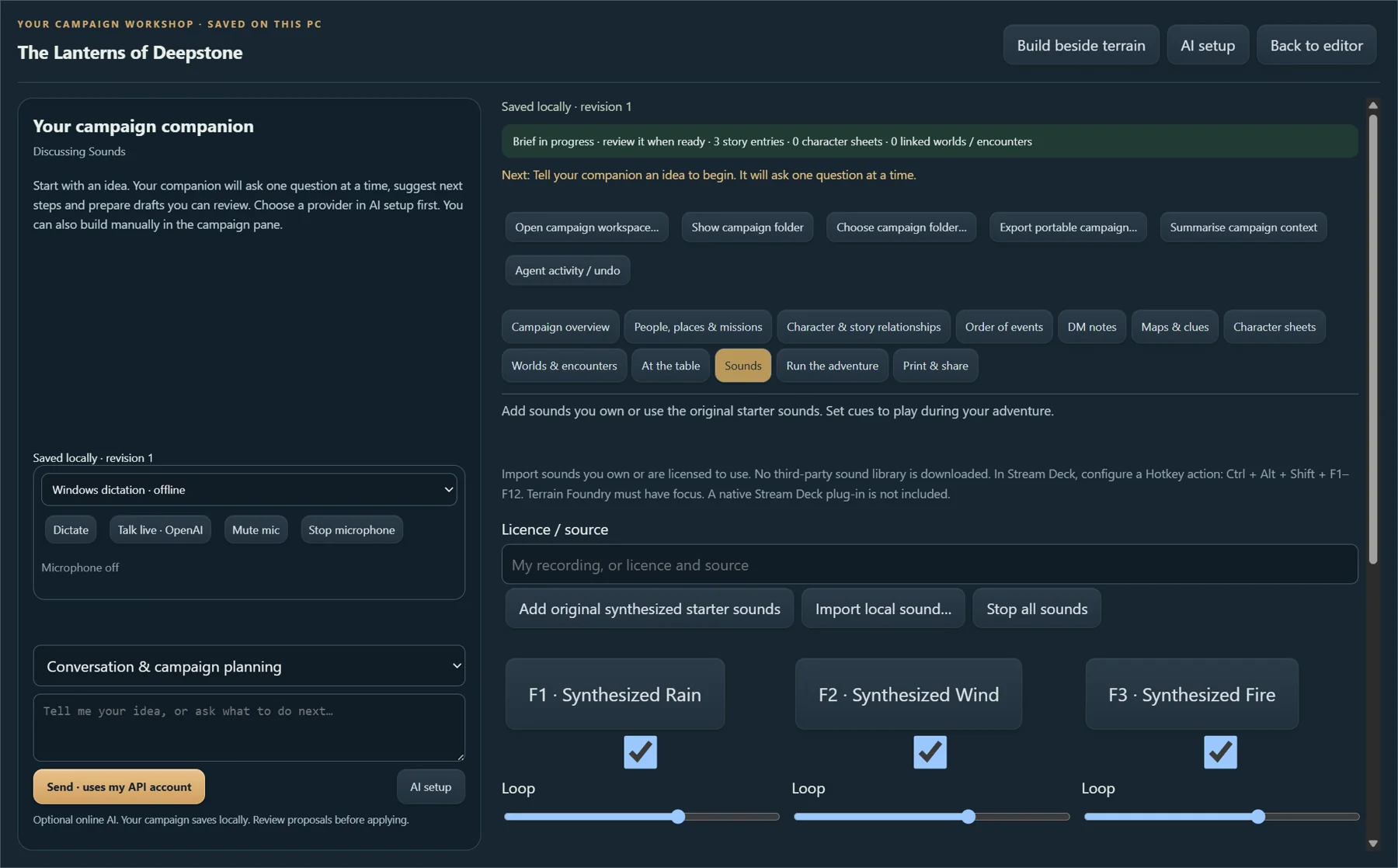
Keep your story, characters, worlds and encounters in a local campaign workspace. Prepare the session, set the atmosphere, then run the adventure.
FROM FIRST IDEA TO GAME NIGHT
Write the adventure, build its locations, and run it at the table. Your notes, encounters and sounds belong together.
PREPARE. PLAY. KEEP THE STORY GOING.
Optional online AI requires your own OpenAI API key and separately billed usage. Manual campaign editing and local sounds work offline.
Explore the campaign builder →AN OPTIONAL CREATIVE COMPANION
AI can help when the blank page is the hardest part. You decide what becomes part of the story.
Discuss tone, campaign length, player hooks and what happens next. Ask for choices and suggestions when you’re unsure.
Develop characters, encounters, DM notes and handouts. Use optional image generation for campaign covers and scene artwork.
Give the assistant campaign and terrain context. Review proposed changes, or enable workspace agent actions in the client settings.
AI IS OPTIONAL · PERSONAL OPENAI API REQUIRED
The editor works without AI. Online AI requests use your own provider account and are billed separately.
Create an OpenAI platform account, configure API billing and create a secret key. API usage is separate from a ChatGPT subscription.
OpenAI API settings ↗Open AI setup in Terrain Foundry, enter your key and select your chat, voice and image models. Model access depends on your provider account.
Type, dictate or talk live. Requests send your prompt and relevant campaign context to the selected provider; live voice also sends audio. Review generated content before play.
Your saved campaign stays on your PC. Choosing AI involves online processing under the provider’s terms. Turn it off and continue editing, using your runbook and playing local sounds offline.